Beta · version 0.1.0
Point of sale for Medusa
MedusaPOS is an open-source, MIT-licensed till for Medusa v2 stores. It runs in the browser, keeps selling when the connection drops, and records every sale in your Medusa store exactly once.
The demo store resets every night. The web app needs a Medusa 2.21 store with the MedusaPOS plugin installed.
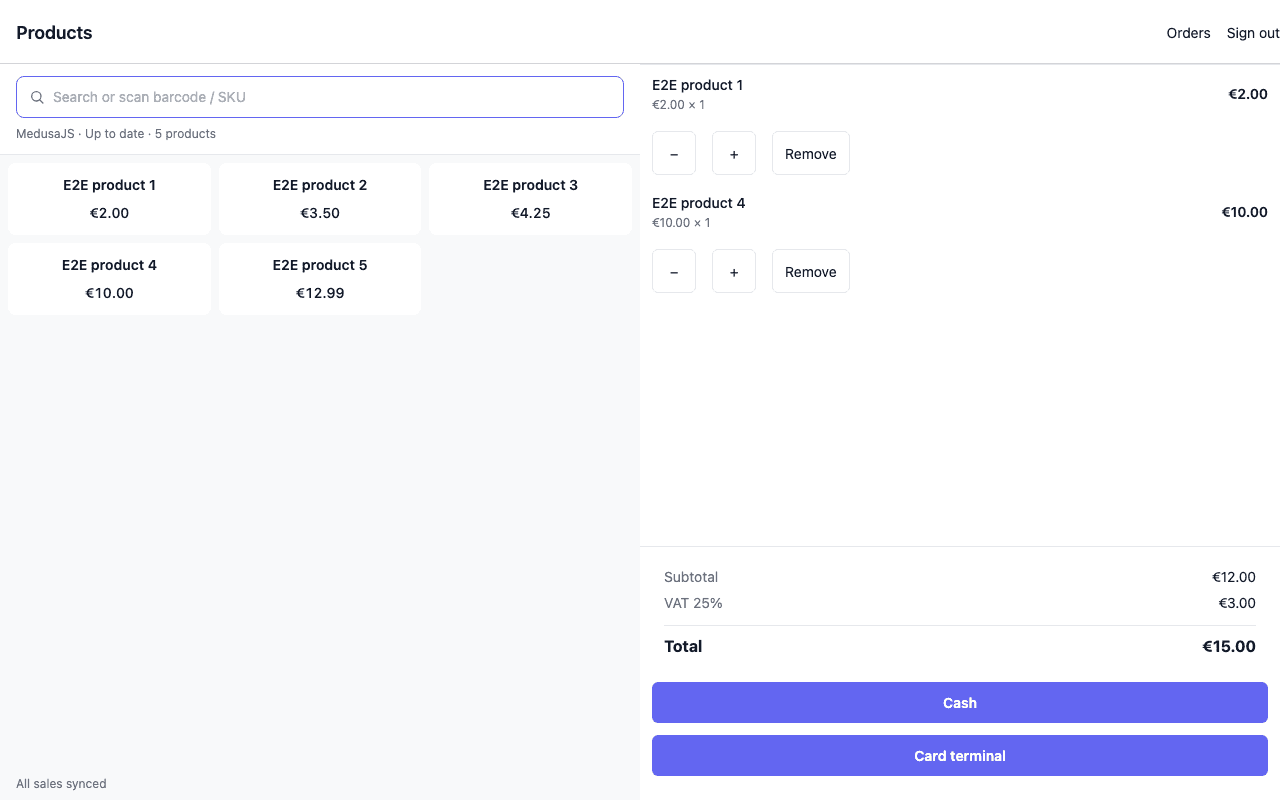
What it does today
Everything listed here is covered by the app's end-to-end tests, which run on every change.
Sells offline
Keep selling from the loaded catalogue when the connection drops. Queued sales sync when you're back online, and each one lands in Medusa exactly once.
Real Medusa orders
Each sale becomes a paid, completed order in your Medusa store with stock deducted, recorded by the MedusaPOS plugin.
Cash and card terminal
Take cash, or take a card on your own terminal and record it as an external payment. MedusaPOS does not charge cards itself.
Registers
Open with a float, record cash paid in and out, then count and close. A large difference needs a manager's approval.
Scan or search
Use a keyboard-wedge barcode scanner, or search by name, SKU or barcode.
Phone and counter
The same app works on a counter screen and on a phone, with the cart a tap away.
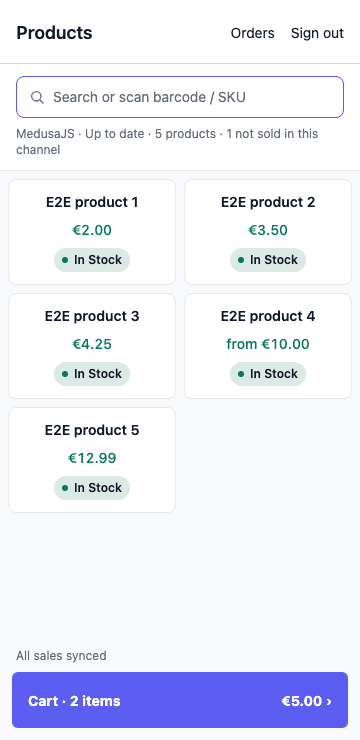
In the browser you already have
Open app.medusapos.com in a current Chrome, Edge, Safari or Firefox and sign in with your store's backend URL and an admin account. The catalogue and unsent sales are kept in the browser's own storage, so a page reload or a dropped connection doesn't lose a sale.
Not there yet
MedusaPOS is in beta. Today it does not:
- charge cards, or handle refunds and returns
- sign in with multi-factor authentication
- run as a native iOS, Android or desktop app (it runs in the browser)
- support more than one stock location per sales channel
See the quick start for the full list.
Try it with your store
Install the plugin, allow the POS origin, and sign in. The quick start walks through it.